Mac macOS 14 or later · Apple silicon
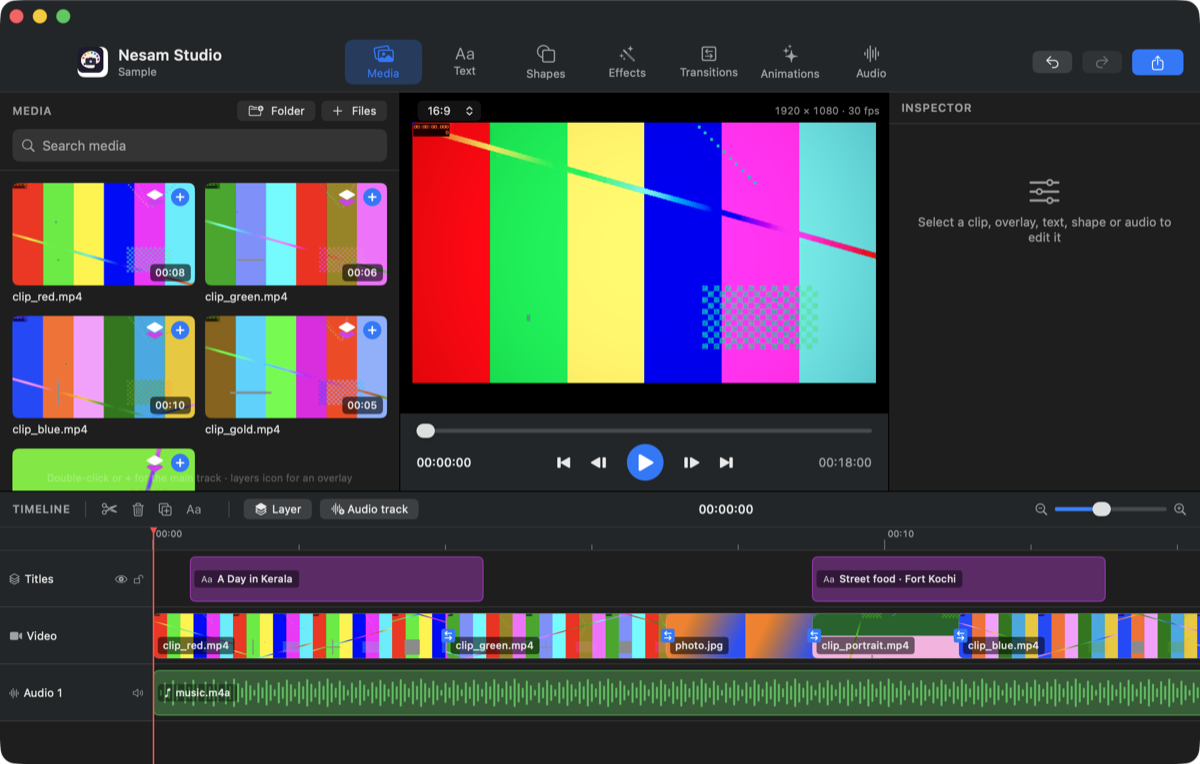 ⬇︎ Download for Mac · 0.1 (1.6 MB)
- Open the downloaded NesamStudio-0.1.dmg and drag the app to Applications.
- First launch only: right-click the app → Open → Open. (The app is not yet notarised by Apple.)
- Map a folder of videos and photos, or add files, and start editing.
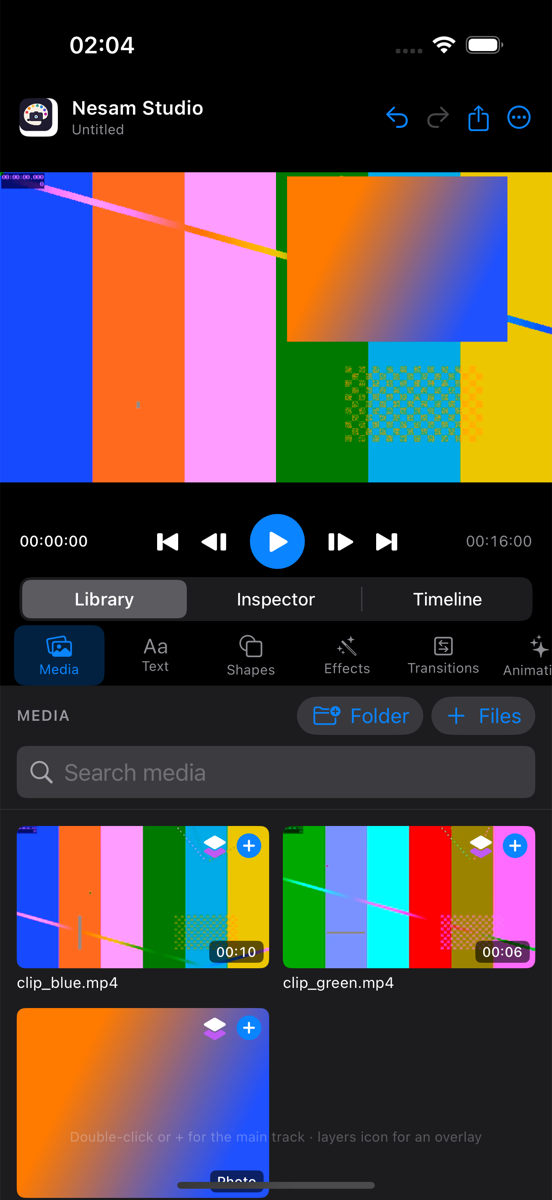 TestFlight link — coming when the Apple Developer account is active
⬇︎ Simulator build for developers (3 MB)
TestFlight link — coming when the Apple Developer account is active
⬇︎ Simulator build for developers (3 MB)